Free Bird ID Apps: What 'Free' Actually Costs You
Bird Call Identifier is free to download on iPhone and includes in-app purchases. It is made for the exact search behind "free bird identifier": you hear a song outside, you want a plausible species name in seconds, and you want the moment saved so you can revisit it later. Record a short clip of the call, snap a phone photo, or type a short description like "small gray bird, white wing bar, in a hedge," and the app returns a likely species and stores the sighting in your log. It is built for the beginner or backyard birder who is out in the yard, at the park, or on a trail with an iPhone in hand. View the current App Store listing before your next walk.
Every free tool comes with trade-offs. A faint call in gusty wind, a distant bird buried under overlapping songs, or a rare species outside common lists will lower confidence, and no identifier is right every time. This article is a candid look at what "free" tends to cost in bird ID apps as a category, and where Bird Call Identifier fits a beginner's field workflow.
Key takeaways
- Bird Call Identifier is free to download on iPhone, with optional Premium purchases for unlimited identifications.
- "Free" in bird apps often hides small costs elsewhere in the category: subscription-gated features, ads, mandatory sign-ups, cellular data during recording, or offline limits. Check the App Store listing of any app you consider so you know what you are agreeing to.
- Accuracy leans on your input. Cleaner audio, closer photos, and short descriptive notes all help.
- Expect fewer confident matches with wind, background traffic, distant birds, or rare species.
- Save the recording alongside the suggestion, so you can revisit an unsure ID later.
Choose the right input for the bird in front of you
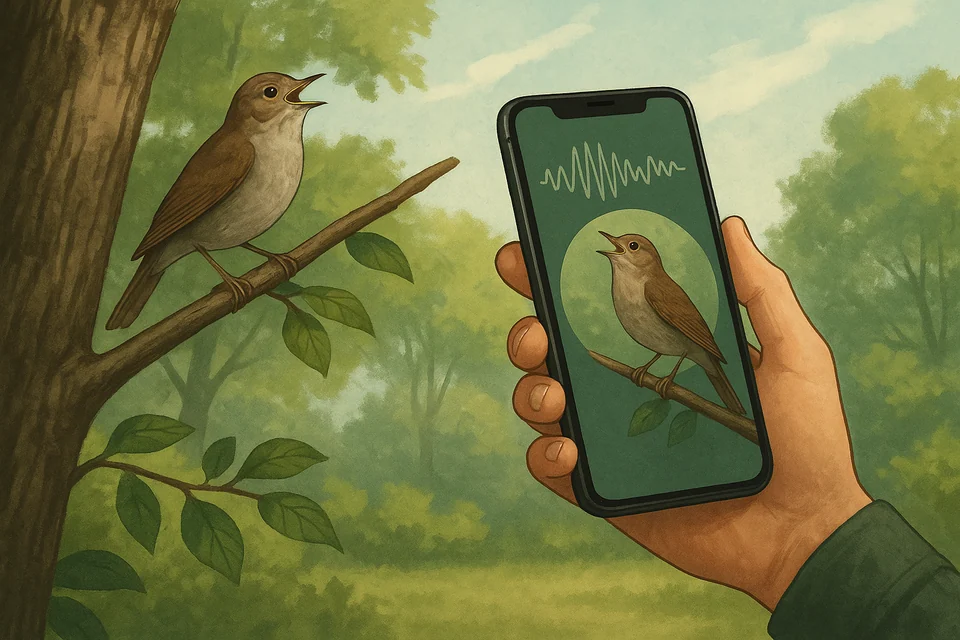
The short version, matched to how beginners on iPhone actually spot birds.
- When the bird is hidden: start with sound. Record a clear call, get a species suggestion, save the sighting, and revisit it later.
- When the bird is visible: start with a phone photo so the image and identification record stay together.
- When the moment has already passed: describe the bird's color, size, markings, and behavior while your memory is fresh.
Rule of thumb: if the photo is sharper than the recording, lead with photo. If the call is clean but the bird is hidden in leaves, lead with sound. Either way, the app is built for the exact moment most searches for "free bird identifier" describe: you hear a song, you have your phone, and you want a plausible name in seconds. Download on the App Store before your next walk.
How to evaluate a free bird identifier
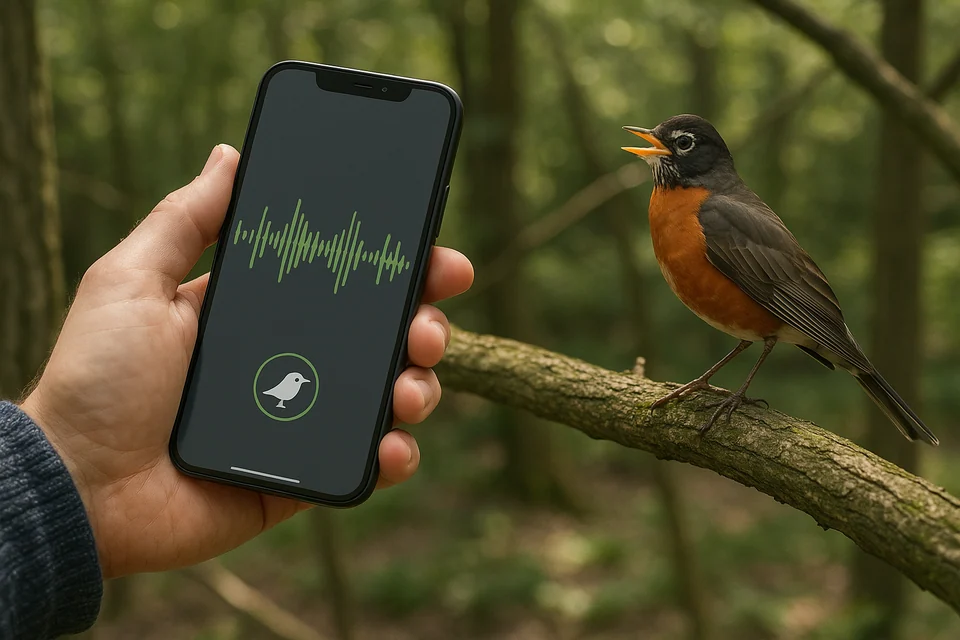
Instead of naming a stack of competitor apps and inventing details we cannot verify, we set up four practical checks any free bird identifier should pass for a backyard birder or new hiker. Those criteria let you evaluate any option you already have on your phone, and they are the same criteria that led us to shape Bird Call Identifier the way we did.
- Recognition speed. How quickly a short clip or a phone photo returns a suggestion in the field.
- Ease of saving sightings. Whether the app keeps the recording, photo, notes, and time together in one place.
- Offline or low-signal behavior. Whether the basic capture flow still works when your data connection is weak.
- Clarity of follow-up. Whether the result gives you enough context to confirm or rule out a species at home.
We also assumed real-world audio. Some wind. Some traffic. A robin, a house finch, and a distant crow all going at once. That is where free tools of any brand show their edges, and where a small workflow habit matters more than the app icon on your home screen.
Field decision table
Rather than list competitor apps and guess at their current pricing, storage, or features, this table matches your typical birding moment to what any free tool should give you, and then shows where Bird Call Identifier fits on iPhone. Use it as a checklist against whatever else you already have installed.
| Your situation | What a free tool should give you | Where Bird Call Identifier fits (iPhone) | Honest limit |
|---|---|---|---|
| You hear a song from the porch | Fast sound ID and a saved clip | Records, suggests, and saves the clip in one flow | Wind or traffic can reduce confidence |
| You got a clear phone photo | Photo ID kept with the rest of your notes | Photo, sound, and description stay together in one sighting | Blurry or distant shots return several guesses |
| You only remember what the bird looked like | Description-based search in plain English | Accepts a written note about color, size, and behavior | Short notes work best with color, size, and behavior |
| You want to log every sighting | Recording, photo, and notes in one place | Check the current free-use limits in the App Store listing | The current listing is designed for iPhone |
| You are new and want to learn as you go | Simple ID plus follow-up reading | Pair the app with the blog for plain-language articles | Rare or unusual calls still need a manual check |
| You already use another bird app | Something that does not fight your existing habits | Nothing stops you from opening a second app for a comparison read | You will maintain notes in two places unless you settle on one |
If you want a deeper look at any specific competitor, check its current App Store listing directly. Prices, subscription tiers, and platform support in this category change often, and we would rather point you at the primary source than invent numbers.
Where Bird Call Identifier fits
The app is aimed at the beginner and casual birder who is out in the yard or on a trail with an iPhone, not at the researcher chasing a lifer in a remote canyon. The features page lists the four inputs most people actually reach for in the field: a short audio recording, a photo, a written description, and a saved sighting.
It fits best when:
- You are in a backyard, park, or trail and you hear a song you cannot place.
- You want the ID attempt saved with the recording, not lost after a screen tap.
- You prefer one app for sound, photo, and notes instead of a stack of separate tools.
- You are still building the habit of writing down what a bird looked like or where it sat.
It is less useful when the bird is far away, when wind is loud, when several birds are singing at once, or when the species is rare. In those cases, treat the top suggestion as a hint and confirm with a second recording, a clearer photo, or a printed field guide.
One scope note worth stating up front: the app is currently built for iPhone. If you are on Android, the practical criteria in this article still apply, but you will need to shop the Play Store for something that matches the same four checks.
A concrete field example. A robin calling from the porch railing at dawn, five feet away, no wind: that is the easy case, and the top suggestion is usually right on the first try. A warbler high in a leafed-out canopy at midday with traffic in the background: that is the hard case, and even the best free identifiers ask for a second attempt.
Ready to try the field workflow? Download on the App Store and test it on one common call near your window this week.
A simple field workflow you can copy
- Open the app before you approach, so recording starts fast.
- Capture a few clean seconds of audio, with the phone pointed at the bird.
- Add a photo if the bird is visible, even a rough one.
- Type one line: color, size, behavior, habitat.
- Save the sighting. Review it later against the top match at home.
Which app should you choose?
Pick the free tool that matches how you actually spot birds, not the one with the longest feature list.
- Sound-first birders: start with Bird Call Identifier. It centers on recording and saving calls on iPhone.
- Photo-first birders: submit the photo through the same app so the ID stays with the rest of your sighting notes.
- Curious beginners: keep the interface small, then let the blog fill in background reading between walks.
- Log keepers: use one app that stores your sightings, so you can look back at what you heard last spring.
Other bird identifiers exist and some readers already carry one. They can play the part of a second opinion. But for a reader on iPhone searching "free bird identifier" and hoping to name a call, snap a photo, jot a description, and keep it all in one saved log, Bird Call Identifier is built to answer that exact moment. Download on the App Store and put it in the same folder as your camera app for the next walk.
When a free app is not enough
Free tools are a fair starting point, not the whole toolkit. If you are chasing rare species, submitting to a citizen-science database, or working from long-distance recordings, expect to add a paid guide, a directional microphone, or a mentor to your process. For everyday backyard and trail identification, a good free identifier plus a short clean recording gets most beginners where they want to go.
Related resources
- Bird Call Identifier home: overview of the free iPhone app for identifying birds by sound, photo, and description.
- How the app records and identifies calls: the sound, photo, and description flow explained.
- Feature overview: what the app records, saves, and shows.
- Listen. Identify. Discover.: a quick tour at the top of the landing page.
- Bird Call Identifier blog: more field tips and beginner reading on identifying birds by sound and picture.
FAQ
What does "free" actually cost you with a bird identifier app?
Across the category, "free" can hide one or more of these: features gated behind a subscription or one-time unlock, in-app ads, an account sign-up before you can save sightings, cellular data and battery use during recording, and offline limits when your data connection drops. On accuracy, expect softer matches on faint calls, rare species, and crowded soundscapes. Whichever app you consider, open its current App Store listing to see how it is monetized before you rely on it in the field.
Is Bird Call Identifier free on iPhone?
Yes, it is free to download. The current App Store listing also discloses in-app purchases and a Premium option for unlimited identifications. Subscription prices can vary by country and change over time, so check the current App Store listing before you decide.
How accurate is a free bird identifier?
No app, free or paid, gets every bird right. Accuracy leans on how clean the audio is, how close the photo is, how noisy the surroundings are, and how common the species is where you are standing. The safest habit is to save the recording alongside the suggestion, so you can revisit both at home with a field guide open. The app keeps the recording and the suggestion together in your log for that exact reason.
Which features are free?
The app is free to download and lets you begin identifying birds. The current listing says Premium unlocks unlimited identifications and access to every feature, so "free" should not be read as unlimited use. Check the current App Store listing for the latest limits and purchase options.
Can I use the app if I only saw the bird and did not record it?
Yes. Describe color, size, shape, behavior, and habitat, and the app narrows the candidate species from your words. Add the description while the memory is fresh, since "small gray bird in a hedge" gets more precise when you also note tail movement or a wing bar.
Can I save my sightings and come back to them later?
Yes. Recordings, photos, and notes stay together in your log, so a spring warbler you could not name in April becomes something you can revisit in May. See the features page for what the log includes.
Will it work in noisy places?
Recording still works, but wind, traffic, and overlapping birds shave confidence off the suggestion. Get as close as safely possible, block wind with your body, and wait for a quieter moment before you capture a few clean seconds. A second short recording from a slightly different spot is often more useful than a longer noisy one.
Is there an Android version?
Not at the time of writing. The app is currently built for iPhone. If you are on Android, use the four checks in this article as a shopping list on the Play Store.
What kinds of birders is this app for?
Beginner birdwatchers, backyard birders, hikers, and iPhone users who want one free tool for calls, photos, notes, and sightings in a single place. For deeper reading between walks, browse the blog.
Final recommendation
If you searched for "free bird identifier," the honest answer for an iPhone reader is this: start with Bird Call Identifier. It matches how most casual birders actually find birds, by call first and photo second, and it keeps a saved log so a sighting is not lost when you tap away. No free tool will nail every rare or noisy call, and that trade is fair for a focused app that respects your time in the field.
Install it before your next walk. Try it on an American Robin at dawn, or whatever common song you hear most often outside your window, and then let the app stretch on something you do not recognize. Download on the App Store, or read how the app records and identifies calls and browse the features page first. Not ready to install yet? The blog has more beginner field tips you can read in five minutes.